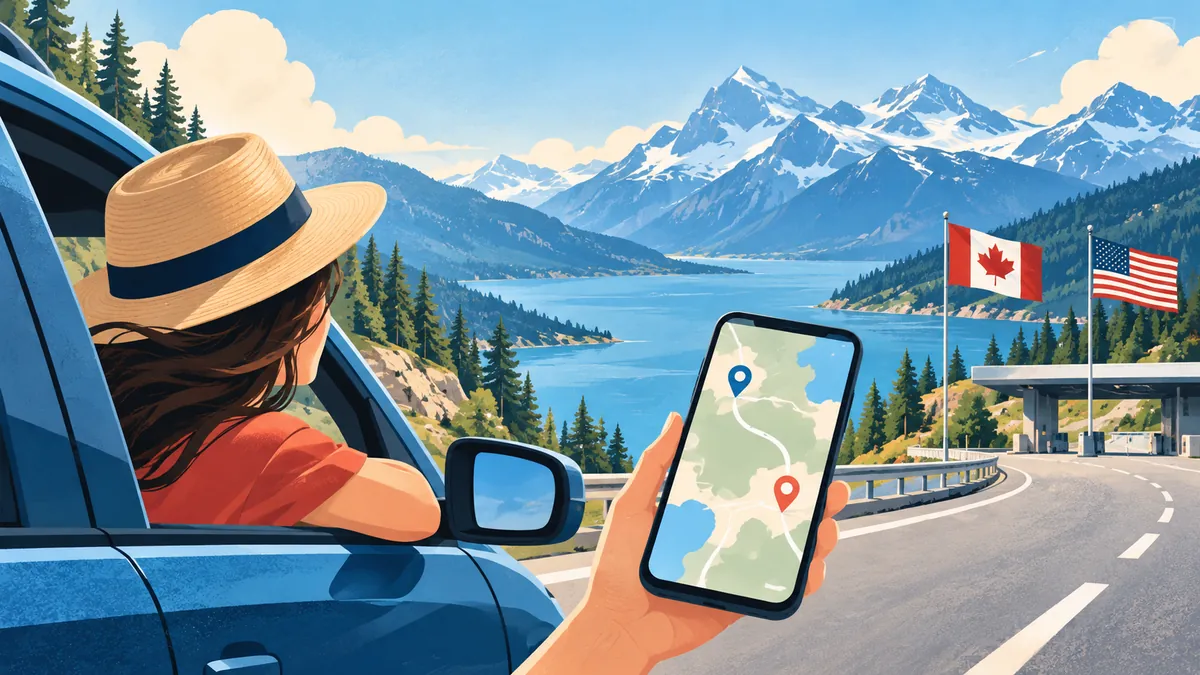
The Road Trip Connectivity Problem
Road trips across borders are one of the most exciting ways to travel — but they're also a connectivity challenge. As you cross from one country to another, your mobile coverage can change dramatically.
Common Road Trip Routes & Connectivity
Europe (Best for Cross-Border)
Thanks to EU roaming regulations, one eSIM plan covers 30+ countries:
- Classic routes: Paris → Barcelona, Amsterdam → Berlin, Italy coast
- Coverage: Excellent on highways, good in rural areas
- Tip: Get an EU regional eSIM plan — one plan, no border worries
North America
- US → Canada: Different networks, may need separate plans
- US → Mexico: Coverage drops significantly in rural Mexico
- Tip: Get a North America multi-country plan
Southeast Asia
- Thailand → Cambodia → Vietnam: Coverage varies dramatically
- Coverage gaps at border crossings and rural roads
- Tip: Regional Asia plan + downloaded offline maps
Southern Africa
- South Africa → Namibia → Botswana: Sparse coverage between cities
- Long stretches without any signal
- Tip: Consider satellite messenger for emergencies
Essential Preparations
Before the Trip
- 1Download offline maps for every country on your route
- 2Get a multi-country eSIM covering all destinations
- 3Save emergency numbers for each country
- 4Download translation apps with offline packs
- 5Share your route with someone at home
At Border Crossings
- Your eSIM should switch networks automatically
- If not, toggle airplane mode on/off
- Allow 2–5 minutes for network registration
- Don't panic if there's a brief dead zone at the border
During the Drive
- Passenger handles navigation — driver focuses on driving
- Set up voice navigation before losing signal
- Save waypoints offline in case of coverage gaps
- Keep a paper map as ultimate backup
Data Usage on Road Trips
Navigation uses surprisingly little data:
- Google Maps: ~5 MB per hour of navigation
- Waze: ~10 MB per hour
- Music streaming: 75–150 MB per hour
- Offline maps: 0 MB (pre-downloaded)
A 10 GB plan easily covers a 2-week road trip.
Safety First
- Never rely solely on mobile data for safety
- Know the emergency number for each country
- Keep your phone charged (car charger essential)
- Consider a satellite device for very remote routes