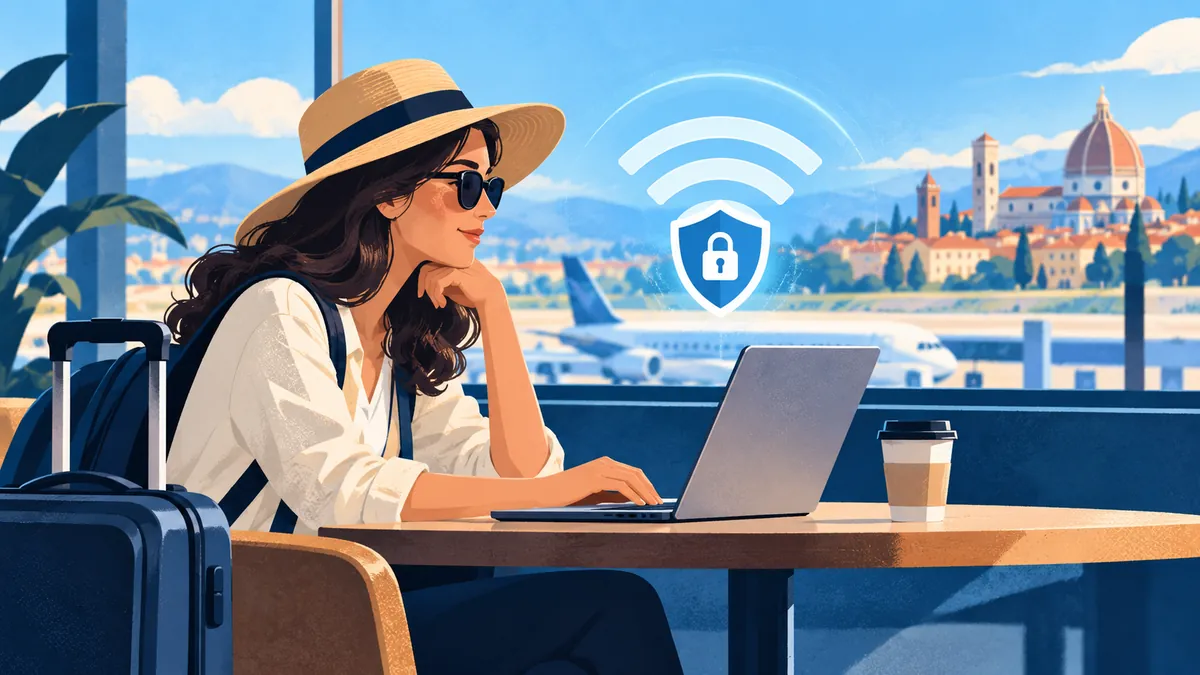
The Hidden Danger of Free WiFi
Free WiFi at airports, hotels, and cafés is convenient — but it's also one of the biggest cybersecurity risks for travelers. Here's what you need to know and how to protect yourself.
Common Public WiFi Threats
Man-in-the-Middle Attacks
Hackers position themselves between you and the WiFi router, intercepting everything you send and receive. This includes:
- Login credentials
- Banking information
- Personal messages
- Business documents
Evil Twin Networks
Fake WiFi networks that look legitimate (e.g., "Airport_Free_WiFi") but are controlled by attackers. Once you connect, they can see all your traffic.
Malware Distribution
Compromised networks can push malware to your device through fake update prompts or injected downloads.
Session Hijacking
Attackers steal your session cookies to access your accounts without needing your password.
How to Stay Safe
1. Use an eSIM Instead
The best defense is avoiding public WiFi altogether. An eSIM gives you your own private cellular connection that's encrypted by default.
- No shared network to compromise
- Encrypted connection to cell tower
- No fake network risk
2. Always Use a VPN
If you must use public WiFi, a VPN encrypts all your traffic. Recommended VPNs for travelers:
- NordVPN
- ExpressVPN
- Mullvad
3. Enable Two-Factor Authentication
Even if someone steals your password, 2FA prevents account access. Enable it on:
- Banking
- Social media
- Cloud storage
4. Avoid Sensitive Activities
Never do these on public WiFi:
- Online banking
- Entering credit card details
- Accessing work systems
- Logging into important accounts
5. Keep Everything Updated
Software updates patch security vulnerabilities. Before traveling:
- Update your phone OS
- Update all apps
- Update your VPN client
The Safest Travel Connectivity Setup
- 1Primary: eSIM data plan (private, encrypted)
- 2Backup: VPN on any public WiFi
- 3Always: 2FA on all important accounts
- 4Never: Banking or sensitive work on public WiFi
Bottom Line
Public WiFi is convenient but risky. An eSIM is the safest and simplest way to stay connected while traveling. If you must use public WiFi, always use a VPN.
Before connecting, review the broader eSIM security and privacy guide. Remote workers should also use the connectivity checklist for working abroad.