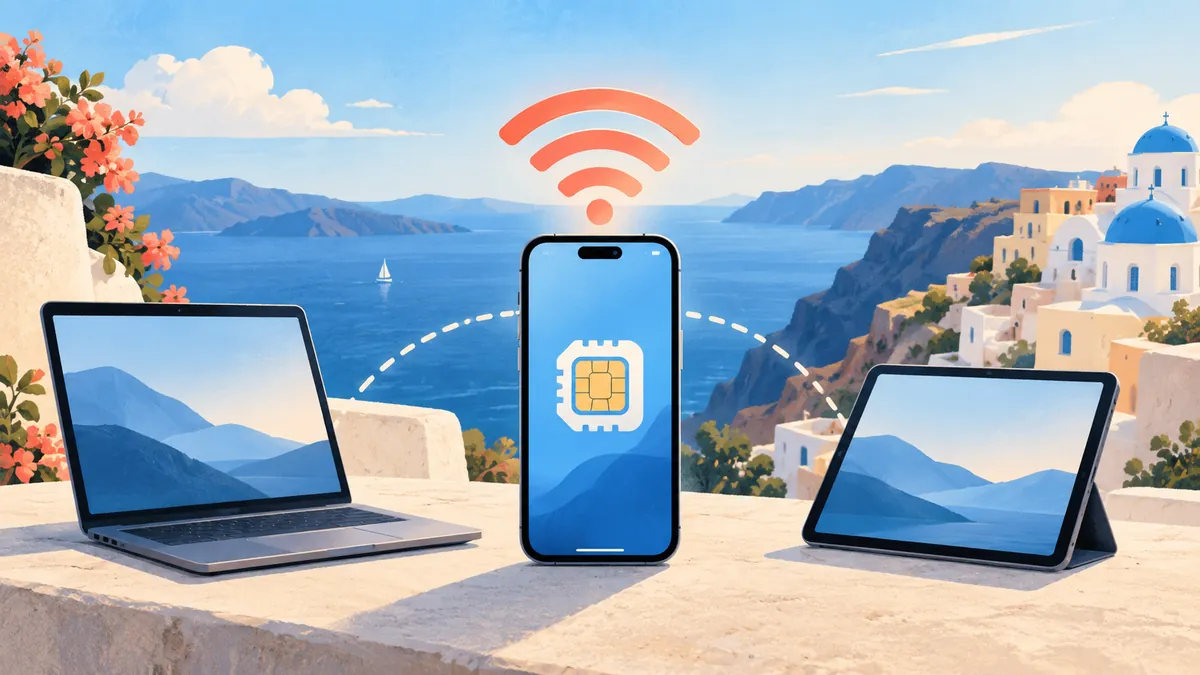
Yes. You can usually use a personal hotspot with an eSIM just as you would with a physical SIM. The eSIM itself does not disable tethering. What matters is whether your phone supports hotspot sharing and whether the specific data plan permits it.
An eSIM is simply a digital SIM profile. Your phone still connects to a mobile network in the normal way, and it can share that connection with a laptop, tablet, or another phone. However, some providers restrict hotspot use, and some unlimited plans place a separate limit on tethered data.
Quick answer
| Question | Answer |
|---|---|
| Can an eSIM share data by hotspot? | Usually, yes |
| Does the phone need a physical SIM too? | No |
| Can hotspot data use the eSIM while calls use another SIM? | Yes, on compatible dual-SIM phones |
| Is tethering always included? | No; check the individual plan |
| Does hotspot use more data? | The files use the same data, but connected devices often consume more in the background |
What determines whether hotspot works?
Four things have to line up:
- 1Your phone supports hotspot or tethering. Nearly every modern eSIM-compatible iPhone, Samsung Galaxy, and Google Pixel does.
- 2The eSIM is selected for mobile data. On a dual-SIM phone, hotspot normally shares whichever line supplies cellular data.
- 3The plan allows tethering. Many fixed-data travel plans do. Some unlimited plans block it or impose a smaller hotspot allowance.
- 4The network settings are correct. A missing APN or carrier configuration can let data work on the phone while preventing hotspot traffic.
If hotspot access is essential for work, choose a plan that explicitly permits tethering.
How to use an eSIM hotspot on iPhone
- 1Open Settings → Cellular or Mobile Data.
- 2Tap Cellular Data and select your travel eSIM.
- 3Open the eSIM line and enable Data Roaming if the provider's setup instructions require it.
- 4Go to Settings → Personal Hotspot.
- 5Turn on Allow Others to Join.
- 6Connect your laptop or tablet with the displayed Wi-Fi password.
If you keep your home SIM active for calls, turn data roaming off on that line. On some iPhones, Personal Hotspot does not appear until the eSIM has registered on a network. Confirm cellular data works on the phone first.
How to use an eSIM hotspot on Android
Google Pixel
- 1Open Settings → Network & internet → SIMs.
- 2Select the eSIM for Mobile data.
- 3Return to Network & internet → Hotspot & tethering.
- 4Tap Wi-Fi hotspot, set a password, and turn it on.
Samsung Galaxy
- 1Open Settings → Connections → SIM manager.
- 2Set Mobile data to the eSIM.
- 3Go to Connections → Mobile Hotspot and Tethering.
- 4Turn on Mobile Hotspot.
Menu names vary, so search Settings for "hotspot" or "tethering" if necessary.
Can you use an eSIM hotspot with dual SIM?
Yes. A common travel setup uses the home SIM for calls and texts while the travel eSIM supplies mobile data and hotspot access.
Be careful with Allow Cellular Data Switching on iPhone and similar Android settings. If enabled, the phone may use the other line when coverage changes. Travelers trying to avoid roaming charges often prefer to leave automatic data switching off.
For the complete configuration, read How to Use Dual SIM with eSIM.
Why an eSIM hotspot may not work
Work through these checks in order:
- 1Confirm tethering is allowed. Check the plan details, especially on unlimited plans.
- 2Select the eSIM as the data line. Dual-SIM phones are often set to the wrong line.
- 3Test data without Wi-Fi. If the phone cannot load a page, fix the eSIM connection before hotspot.
- 4Toggle hotspot and restart. Restart both the phone and the device trying to connect.
- 5Check the APN. Enter it exactly as shown in the provider's installation instructions.
- 6Change the hotspot band. Older devices may need 2.4 GHz. On iPhone, try Maximize Compatibility.
- 7Disconnect unused devices. One laptop downloading updates can consume most of the bandwidth.
For broader connection issues, follow eSIM Not Working? 10 Common Issues and How to Fix Them.
How much data does hotspot use?
Hotspot does not add a special multiplier. If a laptop downloads a 500 MB file, about 500 MB comes out of the eSIM allowance. The surprise is that computers and tablets often run data-heavy tasks in the background:
- cloud file and photo syncing
- system and app updates
- high-resolution video
- automatic backups
- video meetings and screen sharing
Pause cloud sync, mark the connection as metered, disable automatic updates, and reduce streaming quality. Use How Much Mobile Data Do You Need When Traveling? to estimate an allowance.
Is an eSIM hotspot good enough for remote work?
It can be if the local network is strong and the plan permits tethering. Email, documents, messaging, and ordinary video calls can work well on a stable 4G or 5G connection.
Performance still changes with signal strength, congestion, building materials, and the provider's partner network. Test before an important meeting and keep a second connection available.
Hotspot also uses more battery because the phone runs cellular and Wi-Fi radios together. Keep it connected to power during long sessions and place it where reception is strongest.
eSIM hotspot vs pocket Wi-Fi
An eSIM hotspot is simpler for one traveler or occasional laptop use: no separate device to carry, charge, rent, or return.
A dedicated hotspot can suit a group, many connected devices, or full-day use. It preserves the phone's battery but adds cost and equipment. The better choice depends on the number of users and duration—not whether the SIM is digital or physical.
Frequently asked questions
Can I use a personal hotspot with an eSIM?
Yes, if the phone supports hotspot sharing and the plan permits tethering. Select the eSIM as the mobile-data line, then enable hotspot in Settings.
Can I hotspot eSIM data to a laptop?
Yes. The laptop connects to the phone over Wi-Fi, USB, or Bluetooth while the phone supplies internet through the eSIM.
Why does mobile data work but hotspot does not?
The common causes are a plan restriction, the wrong SIM selected for data, an incorrect APN, or a hotspot band the connected device cannot see.
Do unlimited eSIMs allow hotspot?
Some do, some do not, and others apply a separate tethering limit. Check the exact plan terms before purchase.
Can I receive calls while using an eSIM hotspot?
Usually, yes, on a dual-SIM phone. Keep the home SIM assigned to calls and the eSIM assigned to data. Exact behavior varies by device and carrier.
Compare eSIM plans by destination and check the plan details for hotspot support before purchasing.